
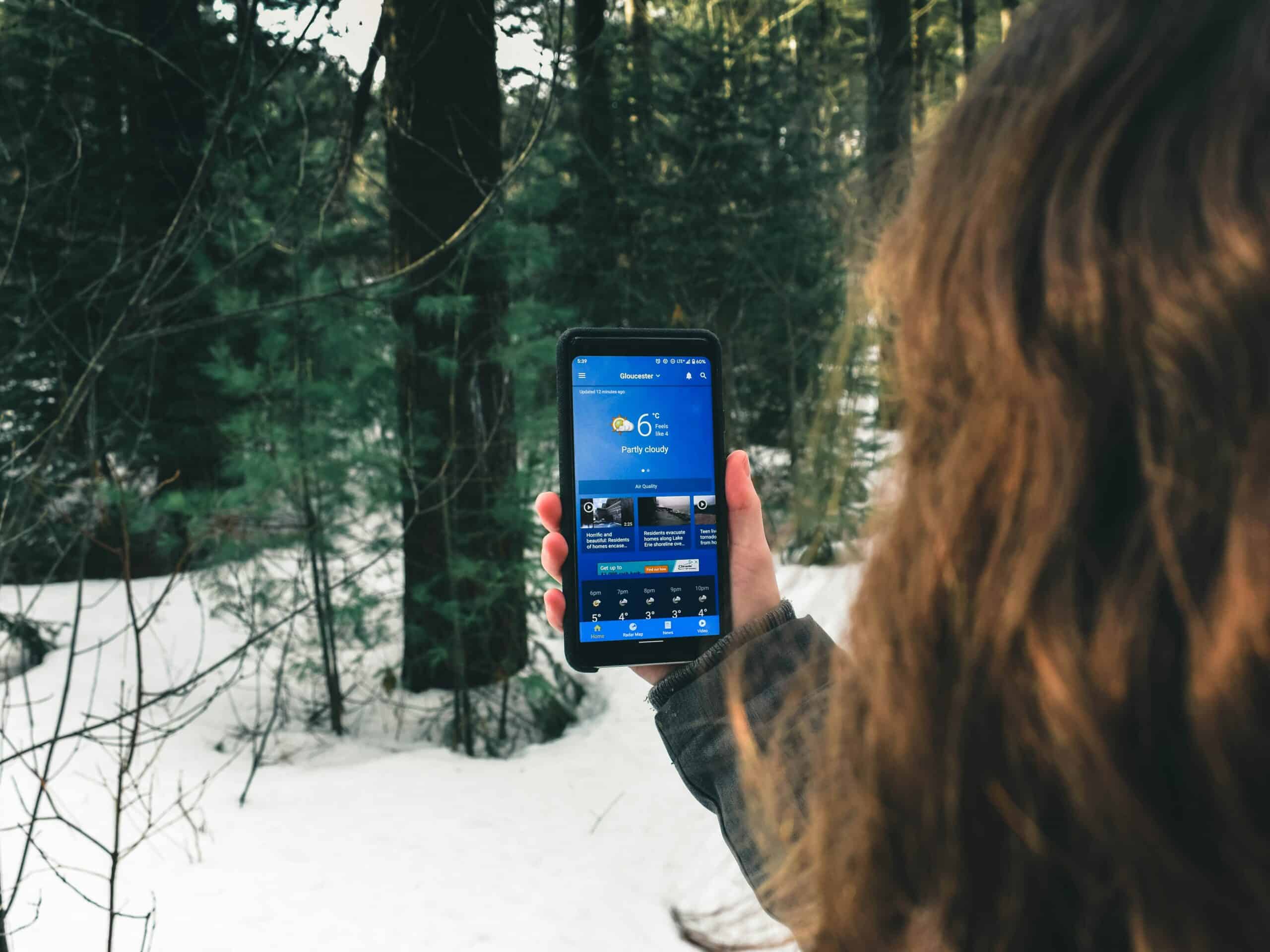
Keep the phone against your body under an insulating layer, because lithium batteries lose usable capacity in cold and a phone reading forty percent can shut off within minutes outdoors. Learning how to keep your phone alive in cold weather matters most when the phone is also your map, and our guide on whether offline maps drain your battery covers the other half of that problem.
Quick Answer
Carry the phone in an inside pocket against your torso rather than in a pack or jacket outer pocket. Keep it in airplane mode with the screen dim, warm it before use rather than during, and treat a sudden shutdown as cold rather than as a dead battery. It usually recovers once warm.
Key Points
- Cold reduces available capacity rather than destroying it.
- A cold phone can shut down at high indicated charge.
- Body heat is the most reliable warming method.
- Never charge a phone below freezing.
- Carry a paper backup for the navigation job.
What Cold Actually Does to the Battery
| Temperature | What happens | What to do |
|---|---|---|
| Around freezing | Noticeable capacity drop | Inside pocket |
| Well below freezing | Sharp capacity loss | Inside layer plus airplane mode |
| Severe cold | Sudden shutdowns likely | Body heat, minimal use |
| Charging while cold | Risk of permanent damage | Warm the phone first |
| Rewarming after shutdown | Charge usually returns | Warm slowly, then restart |
Lithium ion chemistry slows in cold. Ions move more sluggishly through the electrolyte, so the battery cannot deliver current at its normal rate.
The charge is still there. The phone simply cannot access it until the cell warms, which is why the reading jumps back up indoors.
Why Your Phone Shuts Off at Forty Percent
Phones estimate remaining charge from voltage. Cold drops voltage under load, so the phone reads that dip as an empty battery and shuts down to protect itself.
Nothing has broken when this happens. Warm the phone gradually and it usually restarts showing most of the charge it had.
Forcing repeated restarts while cold makes it worse. Each attempt draws a surge the cold cell cannot supply.
Put it against your body for fifteen minutes before trying again. Patience recovers the phone where persistence does not.
Where to Carry It
An inside chest pocket under an insulating layer is the best spot. Body heat keeps the phone in its working range without any equipment.
A trouser pocket works less well, because legs move more air and sit further from your core. An outer jacket pocket is barely better than a pack.
Avoid the pack entirely in real cold. A phone in a lid pocket reaches ambient temperature within minutes.
Sleeping with the phone inside your bag keeps it usable for the morning. Our roundup of sleeping bags for cold weather camping covers what maintains that warmth overnight.
Settings That Extend Runtime
Airplane mode does the most work. Searching for a signal in poor coverage drains a battery faster than almost anything else the phone does.
GPS still works in airplane mode. Satellite reception needs no cell service, so offline maps keep functioning while the radios stay off.
Drop screen brightness and shorten the auto lock timer. The display is the largest single consumer after the radios.
Close background apps and turn off automatic updates before you leave. Our roundup of offline map apps for hiking covers apps that behave well with the radios disabled.
Warming It Safely
Body heat is the right method. It warms gradually and it cannot overshoot.
Hand warmers work if you keep a layer between them and the phone. Direct contact heats one spot too fast and creates condensation inside the case.
Never use a fire, a stove or a car heater vent. Rapid temperature change condenses moisture on internal components, and that does lasting damage.
Our roundup of hand warmers for cold weather hiking covers the disposable and rechargeable options.
Charging in the Cold
Do not charge a phone below freezing. Lithium plating occurs when a cold cell takes a charge, and that damage is permanent rather than temporary.
Warm the phone in a pocket first, then charge. Fifteen minutes against your body is usually enough.
Keep the power bank warm too, since it suffers the same capacity loss. A cold bank delivers a fraction of its rating.
Our roundup of power banks for hiking covers capacities that account for winter losses, and our list of portable solar chargers covers the resupply option on longer trips.
What to Do Before You Leave the House
Winter preparation matters more than anything you do on the trail, because a phone at full charge with maps downloaded needs very little management afterward.
Download the map tiles for your whole route plus a wide margin. Doing this on the trailhead signal wastes battery at exactly the wrong moment.
Charge to full rather than to a convenient number. Cold removes a chunk of usable capacity before you take a single step.
Turn off background app refresh and automatic photo backup. Both wake the radios repeatedly and neither serves you on a winter day.
Check for pending system updates and let them finish at home. An update installing itself in your pocket at ten degrees is a fast way to lose a phone.
Consider an older phone as a dedicated map device. Battery health declines with age and cold punishes a worn cell harder, so a fresh spare beats a tired primary.
Do Not Let the Phone Be Your Only Plan
Cold shutdown is unpredictable enough that a phone should never carry your navigation alone. Winter is exactly when a failure costs the most.
Carry a map and compass and know how to use them. Our guide on navigating without GPS covers the skills, and our roundup of compasses for hiking covers the hardware.
A dedicated GPS unit handles cold better than a phone. Units built for the outdoors use replaceable lithium cells and tolerate lower temperatures, and our roundup of handheld GPS for hiking covers those.
Tell someone your route before leaving. Our guide on signaling for help in the backcountry covers what to do when electronics fail entirely.
Related Reading
- Dressing for a winter day hike
- Cold weather hiking gear
- Satellite messengers for backcountry use
- Why hands get cold even with gloves
Phones in Cold Weather FAQ
How do you keep your phone alive in cold weather?
Carry it in an inside pocket against your torso under an insulating layer, run airplane mode with a dim screen, and take it out only when you need it. Warm it before use rather than trying to use it cold, and never charge it while it is below freezing.
Why does my phone die at high battery percentage in the cold?
Phones estimate charge from voltage, and cold makes voltage sag under load. The phone reads that sag as an empty battery and shuts down protectively. The charge is usually still there and reappears once the phone warms back up.
Does cold permanently damage a phone battery?
Cold alone causes temporary capacity loss rather than permanent damage. Charging a battery below freezing is different and can cause lasting harm through lithium plating. Warm the phone before plugging anything in.
Does airplane mode really help?
Considerably, especially in poor coverage. Searching for a weak signal is one of the heaviest continuous drains a phone has. GPS works without cell service, so offline maps still function normally with the radios switched off.
Can I use hand warmers to keep my phone warm?
Yes, with a layer of fabric between them. Direct contact heats one area too quickly and can create condensation inside the case. Body heat is more reliable and needs nothing you have to carry.
Should I put my phone in my sleeping bag overnight?
Yes, that is standard practice for winter camping. A phone left in a tent or pack overnight can be effectively dead by morning. Keeping it inside the bag maintains it in a working range, and the same applies to any power bank.
Do phone cases help in the cold?
A little, since an insulating case slows heat loss. It slows warming just as much, though, so a case is no substitute for carrying the phone against your body. Keep expectations modest here.
Is a dedicated GPS better than a phone in winter?
Generally yes. Outdoor GPS units tolerate lower temperatures, and many take replaceable lithium batteries that perform better in cold than a built in cell. The stronger reason is redundancy: a second navigation device means one failure does not leave you without a map.
