
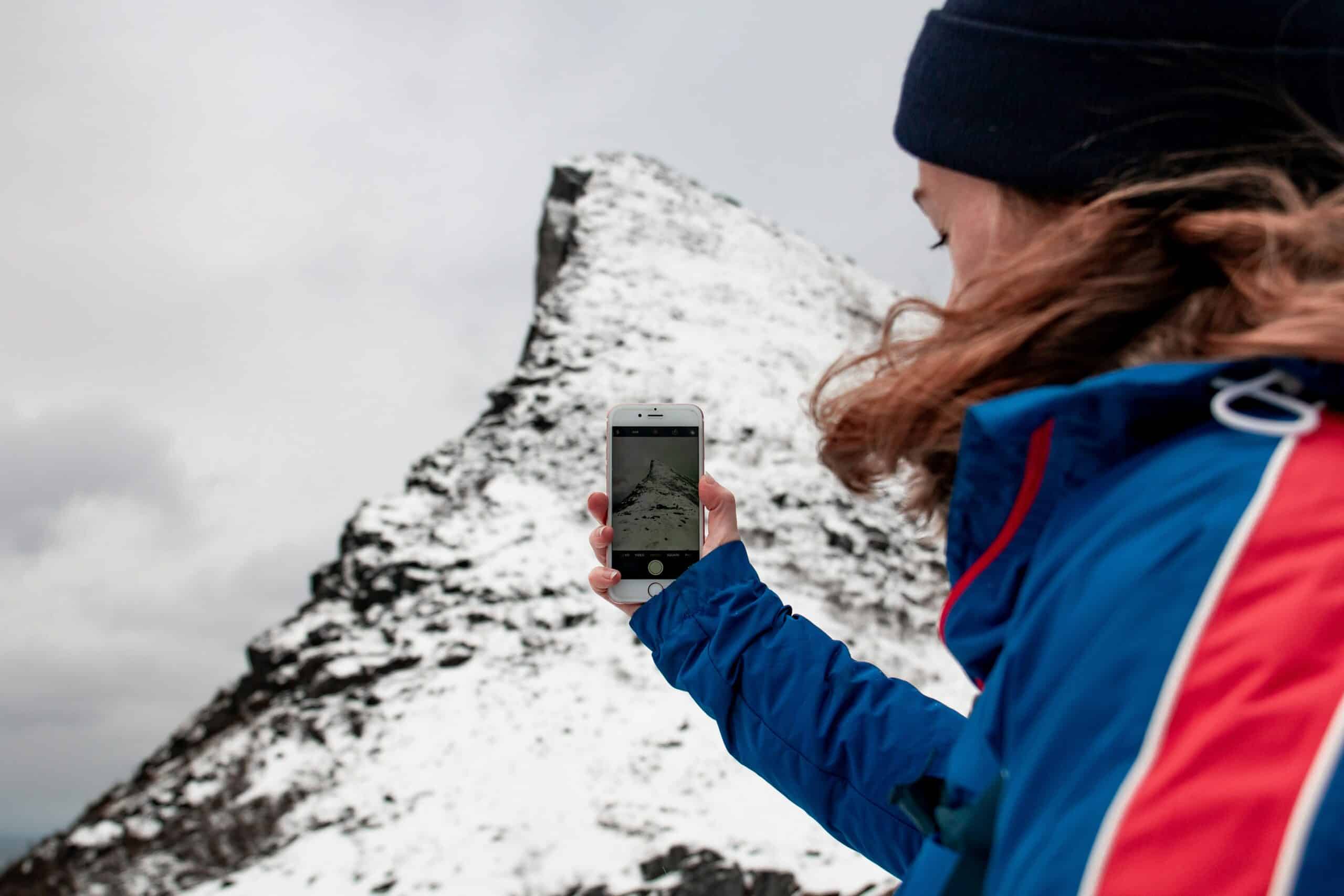
A navigation device buried in a pack gets consulted at rest stops rather than at junctions, which is the opposite of how navigation works. The device you check constantly is the one you can reach without stopping, and that is a mounting problem rather than a device problem.
It is also a retention problem. Phones and handhelds get dropped on scrambles, into water, and off ledges, and a tether costs almost nothing against a device that carries your maps. Our roundup of handheld GPS units covers the devices themselves.
Mounting Options at a Glance
| Type | Reachable | Retention | Best for |
|---|---|---|---|
| Shoulder strap mount | Best | Good with tether | Frequent checking |
| Chest harness | Best | Good | Recording tracks |
| Wrist mount | Very good | Excellent | Small handhelds |
| Carabiner and lanyard | Moderate | Excellent | Backup retention |
| Hip belt pocket | Good | Good | Weather protection |
| In the pack | Poor | Excellent | Not navigating |
The short version: shoulder strap or chest mounting keeps a device usable while walking, and a tether should be attached regardless of which you choose.
How We Picked
Mounts are grouped by how they affect access while moving, since that is what determines whether the device gets used at the moment it matters. Retention and weather exposure are weighted alongside it.
Selections reflect construction and documented features. Descriptions come from product research rather than from field comparison.
1. A Shoulder Strap Mount, Best Overall
Why It Stands Out
Mounting on the pack strap puts the screen at chest height where you can glance at it without breaking stride, which is where most navigation checking actually needs to happen.
It also keeps the device out of the way of your hands, which matters with poles.
Worth Knowing
Screen exposure to rain and sun is constant, so a device without decent weather sealing needs a case as well.
Strap mounts vary in how securely they grip, and a loose one lets the device swing. Our roundup of hiking backpacks covers strap compatibility.
This suits regular navigation checking. Skip it in sustained heavy rain without a sealed device.
2. A Chest Harness, Best for Recording
Why It Stands Out
A dedicated harness holds the device stable and centered, which suits continuous track recording and keeps the antenna in a consistent position for reception.
It also works without a pack, which strap mounts do not.
Worth Knowing
Wearing a harness under or over a pack takes some arranging, and comfort varies considerably between designs.
It is one more thing to put on and take off. Our note on hiking first aid kits covers what to do when the device is not the answer.
This suits track recording and photography. Skip it for casual day hikes.
3. A Wrist Mount, Best for Small Units
Why It Stands Out
A handheld strapped to the wrist or forearm is reachable instantly and cannot be dropped, which suits scrambling and anywhere hands are occupied.
Glancing at a wrist is faster than reaching for a strap mount.
Worth Knowing
Only small handhelds suit this, and a phone on a wrist is impractical for most people.
Wrist mounting also puts the device in the way when using poles. Our roundup of hiking watches covers the purpose-built alternative.
This suits compact GPS units. Skip it for phones.
4. A Coiled Lanyard, Best Retention
Why It Stands Out
A coiled tether lets the device be brought to your face and released without falling, which is the whole point of a leash on something that holds your maps.
Coiled designs stay out of the way rather than dangling like a straight cord.
Worth Knowing
Attachment points matter more than the lanyard. Many phones have none, so a case with a tether loop is a prerequisite.
Cheap clips fail, and the clip is the whole system. Our roundup of map cases covers protecting paper the same way.
This suits everyone carrying a device. Skip it only if the device is never out of the pack.
5. A Waterproof Case With a Tether Point, Best in Weather
Why It Stands Out
Combining weather protection with an attachment point solves both problems at once, and a sealed case means the device stays out and usable in rain rather than going away.
Touchscreens through a case are workable, if less pleasant than direct contact.
Worth Knowing
Cases add bulk and can interfere with mount fit, so the case and mount need to be chosen together.
Screen protectors under a case can trap moisture. Our roundup of rain jackets covers the rest of wet-weather kit.
This suits wet climates. Skip it if your device is already sealed.
6. A Hip Belt Pocket, Best Compromise
Why It Stands Out
A zipped pocket on the pack’s hip belt keeps the device protected from weather while remaining reachable without removing the pack.
It also protects the screen from branches and rock in a way an exposed mount does not.
Worth Knowing
Reaching in and out repeatedly is slower than glancing at a mounted screen, so checking happens less often.
Not every pack has one, and aftermarket pockets fit some belts and not others. Our roundup of hiking daypacks covers what comes fitted.
This suits mixed weather and occasional checking. Skip it if you navigate constantly.
Matching the Mount to the Device
Phones and dedicated handhelds have different requirements and the same mount rarely suits both well. A phone is larger, heavier, and usually lacks any attachment point without a case, while a handheld is smaller, tougher, and often has a lanyard loop built in.
Weight matters more than it sounds on a shoulder strap. A phone in a case swings noticeably with each step, and a mount that grips loosely turns that into a constant irritation over a long day.
Screen size cuts both ways. A large phone screen is far easier to read a map on, and it is also more exposed to rain, branches, and the rock face on a scramble.
Button-operated handhelds have a genuine advantage that no mount fixes: they work with gloves, in rain, and when the screen is wet, which are exactly the conditions where you most want to check where you are. Our roundup of hiking flashlights covers those devices.
Access Changes How Often You Check
The difference between a mounted device and one in a pack is not convenience, it is frequency. A screen at chest height gets checked at every junction and every time the terrain looks different from expected. A device in a pack gets checked when someone is already unsure.
Navigation errors compound. Catching a wrong turn within a hundred meters is trivial, and catching it a mile later means backtracking or committing to an unplanned route.
That is why access is worth solving properly rather than treating as a minor preference. The mount does not make the device more accurate, it makes you use it in time.
Cold Weather Complicates Everything
Touchscreens do not work through most gloves, and removing gloves repeatedly in cold is both unpleasant and genuinely risky in serious conditions.
Touchscreen-compatible gloves work variably, and thin ones that work well offer little warmth. Devices with physical buttons have a real advantage here that no mount solves.
Cold also drains batteries fast, so a device mounted externally in freezing conditions runs down considerably quicker than one kept in an inside pocket. That is a genuine argument against chest mounting in winter.
Our roundup of hiking gloves covers the glove side.
What to Look For
Does it fit your strap or belt?
Strap widths vary considerably between packs. A mount that does not grip properly lets the device swing and eventually fail.
Is there a tether point?
Many phones have none without a case. The attachment point is the part that decides whether a lanyard is possible at all.
How is the screen protected?
An exposed mounted screen takes rain, sun, and branches. Sealed devices handle it; phones generally need a case.
Can you operate it one-handed?
Two-handed operation means stopping, which means checking less often, which defeats the point of mounting it.
Common Mistakes to Avoid
Carrying it in the pack while navigating
A device you have to stop and retrieve gets consulted after you are lost rather than before.
Skipping the tether
Dropped devices are common on scrambles and near water, and the tether costs a fraction of the device.
Trusting a cheap clip
The clip is the single point of failure in any lanyard system, and it is where cheap products fail.
Mounting externally in freezing conditions
Cold drains batteries substantially. In winter, an inside pocket beats a chest mount for anything you need to last the day. Our roundup of portable solar chargers covers keeping power available.
Worth reading next: our guide to hiking boots for beginners, our note on compasses for hiking, our roundup of satellite messengers, and a guide to headlamps, and navigating without GPS.
GPS Mount FAQ
Where should I carry a GPS while hiking?
Somewhere reachable without stopping, which in practice means a shoulder strap mount, chest harness, or hip belt pocket. A device in the pack gets checked after you are already unsure rather than at the junction where it would have helped.
Do I need a lanyard?
For anything carried in the hand or mounted externally, yes. Dropped devices are common on scrambles and near water, and a tether costs a small fraction of what it protects.
Will a mount fit my backpack?
Strap widths vary considerably between packs, so checking the mount’s stated range against your straps matters. A mount that does not grip properly allows the device to swing and eventually work loose.
Can I use a phone in the rain on a mount?
With a sealed case, generally yes, and touchscreens respond poorly to water on the screen regardless of sealing. A device with physical buttons has a real advantage in sustained rain.
What about cold weather?
Cold drains batteries fast, so an externally mounted device runs down considerably quicker than one in an inside pocket. In winter conditions the mount can cost you the device’s usable life.
Do touchscreens work with gloves?
Only with touchscreen-compatible gloves, and those tend to be thin. Thicker warm gloves generally do not work, which is why devices with physical buttons remain popular for winter use.
Is a chest harness better than a strap mount?
It holds the device more stably and keeps the antenna consistent, which suits track recording. It is also another item to put on, and a strap mount is simpler for ordinary navigation checking.
What is the most common failure?
The clip on a lanyard, which is the single point of failure in the whole system. Cheap clips open under load or fatigue, and that is where the money is worth spending.
For the wider picture, see our guide to how to choose hiking boots.
